http://sundari-webdesign.com/divi-bottom-aligning-the-last-element-in-a-multi-column-row/
To achieve the below example with buttons below a blurb module. If the text in each column has a different length, the buttons are not nicely aligned.
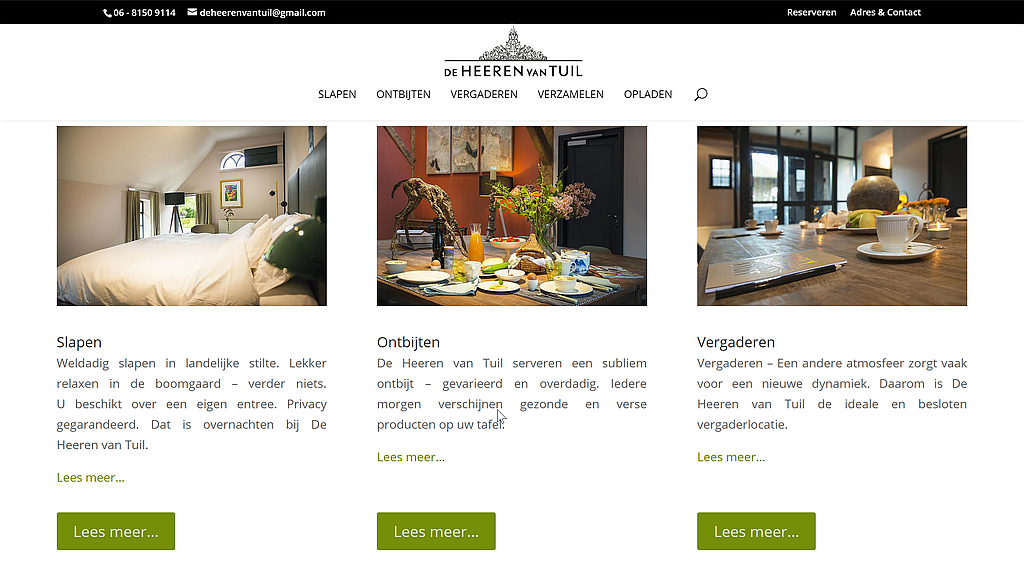
There are several ways to fix this:
Postion
- In the row settings » design » equalize column heights = true.
- Set the position of the button on the advanced module tab to absolute and location to one of the bottom options.
- Note: bottom center offsets left to 50% causing long button text to wrap.
Row Column flex
- In the row settings » design » equalize column heights = true.
- In the column » advanced » custom css » module elements » main element:
- Note: best to use a column preset for this.
display:flex;
flex-direction:column;
justify-content:space-between;Code language: CSS (css)
CSS
- In the row settings » Custom CSS » CSS Class = hws-align-bottom-column
- Then add the following CSS to the Divi options or in a child theme
/* -- START Align bottom column -- */
.hws-align-bottom-column .et_pb_column {padding-bottom: 50px;}
.hws-align-bottom-column .et_pb_button_module_wrapper {position: absolute; bottom: 0; left: 0; right: 0; margin: auto;}
/* -- END Align bottom column -- */Code language: CSS (css)