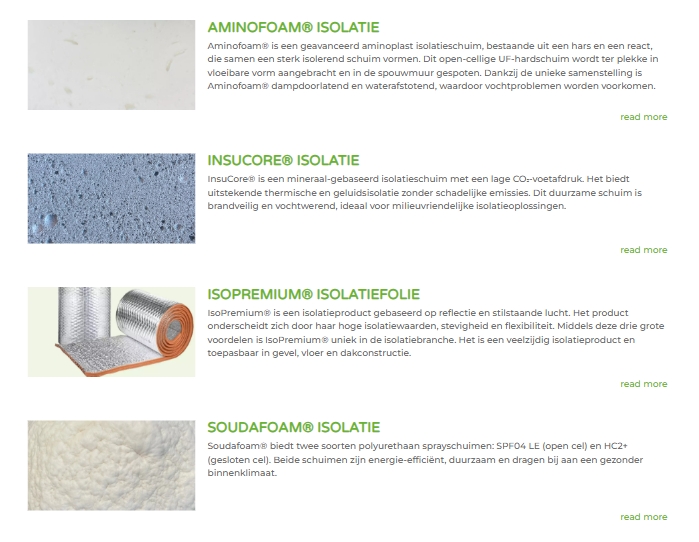
Source: https://divibooster.com/show-blog-module-featured-images-to-the-left-of-post-titles-and-extracts/
Show the posts featured image on the left and the excerpt and read more button on the right.
- In the blog module, enable the toggles to show the featured image, read more button and excerpt.
- On the design tab, select the full width layout.
- Add the below css to the theme options.
/* -- START blog module image left text right -- */
@media only screen and (min-width: 981px) {
	.et_pb_posts .et_pb_post img,
	.et_pb_posts .et_overlay {
		height: 180px !important;
		width: 335px;
		float: left;
		left: 0;
		margin-right: 25px;
	}
}
.more-link{
float:right;
}
}
/* -- END blog module image left text right -- */Code language: CSS (css)
Result: